
What device?
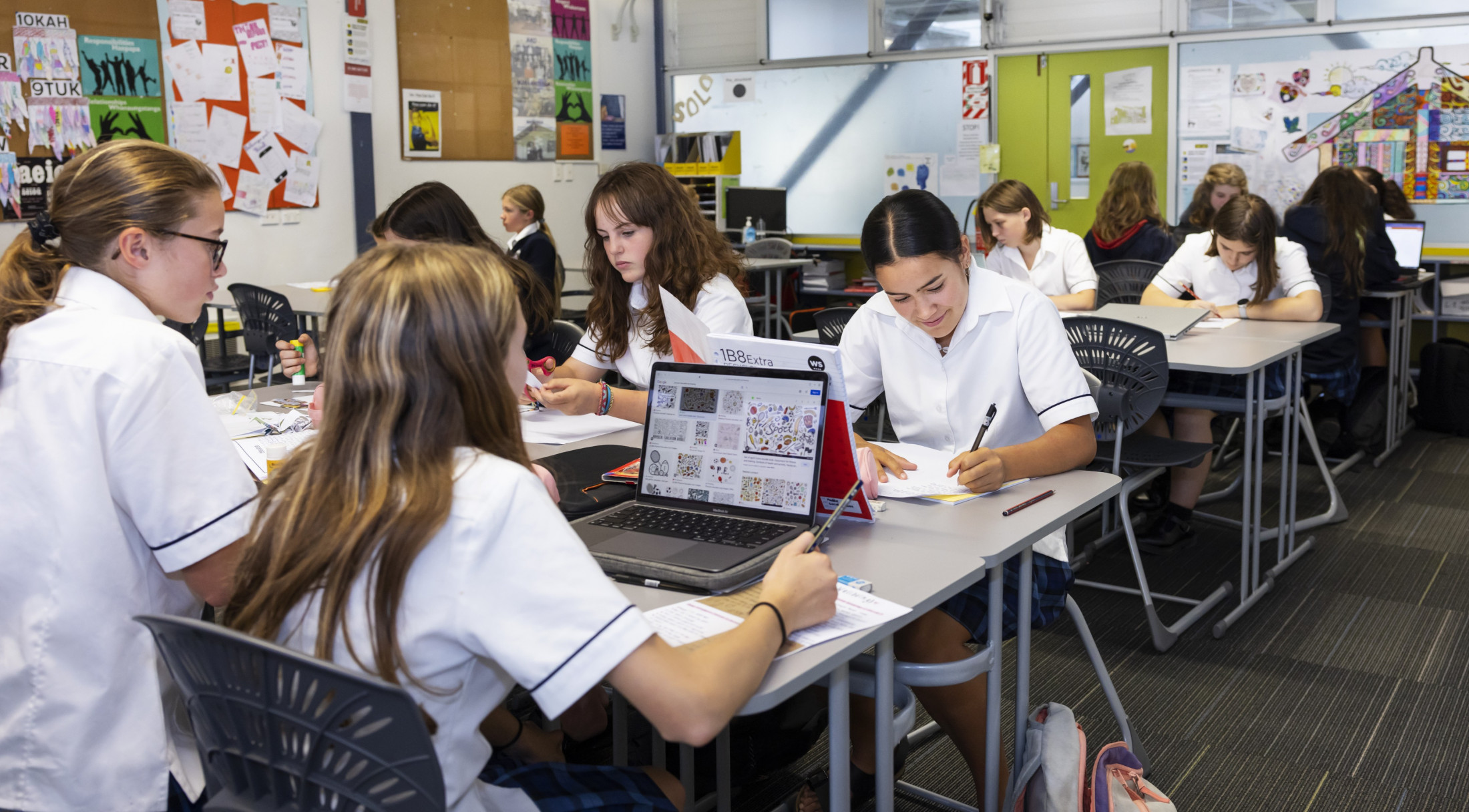
We expect students to bring a laptop to school to support their learning.
We are a Microsoft Office 365 based school and we recommend a Windows 11 device, capable of running Microsoft Office.
It should be lightweight, easy to carry and robust enough to survive teenage life, have a battery life of 6 hours or longer, and enough RAM (min 8GB) and Solid State Storage (SSD – min 128GB) for applications to run smoothly. A touch enabled device will provide the best learning experience.
Chromebook type devices are not recommended as experience shows they often have difficulties on our system.
If you have an existing laptop, don’t buy a new one until the device no longer meets your needs. The school has some older loan laptops for students who cannot bring their own. Initially these will be loaned on a daily basis from the library. Students will need to get it issued before 8:35am in the morning and return it at the end of the day.
More info:
Students are responsible for the management of and appropriate use of their personal laptops/tablets at school in line with the school values.
On enrolment, students and parents must sign an ICT agreement indicating that they will follow the school’s expectations surrounding computer and internet use before any access is allowed. Students must take responsibility for their own network username and password as this allows access to the school WiFi network.
As a part of our Microsoft licence all students can download and install MS Office products on their devices (up to 5) via their NPGHS Office365 account.
All devices are brought to school at the owner’s risk and are not covered by any school insurance. Parents and caregivers are advised to check the status of their own insurance cover for them.
The school Wi-Fi network internet access is filtered in the same way as access via school computers. User access will be logged and can be monitored.
The school cannot monitor the students own mobile data plan internet usage on personal devices.